
Industries
Payment processing for salons and spas
Simple terminals, tips on screen and payments at the chair. Set up and supported by one office, in English or Japanese.
Made for appointments
Checkout should be the quickest part of the visit. Here's what we set up for salons.
A simple countertop terminal
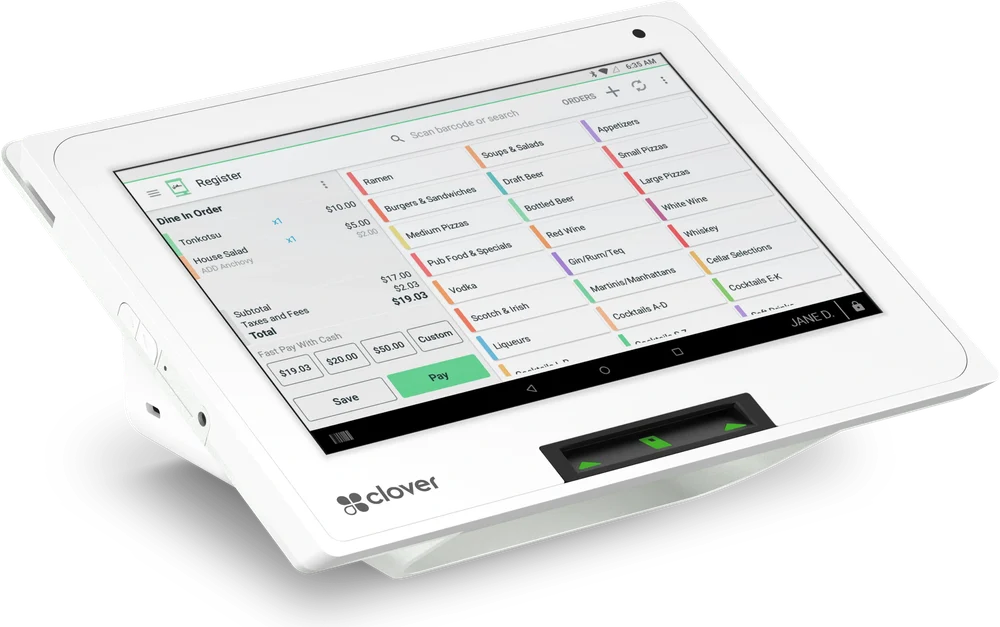
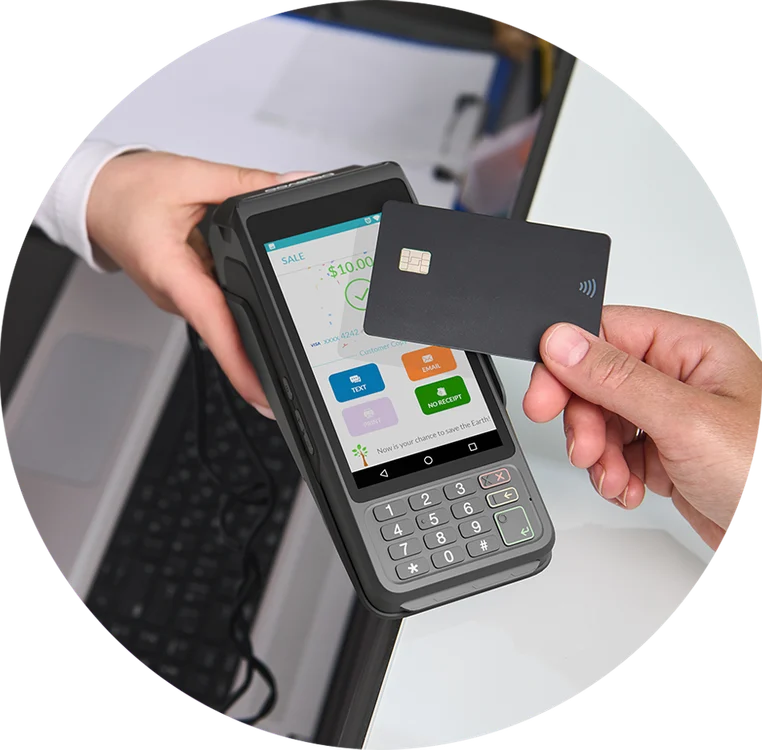
Clover Mini or a Dejavoo P1 at the front desk takes chip, tap and mobile wallet payments and prints the receipt.
- Clients choose a tip on screen
- Quick checkout between appointments
- Free terminal rental with a backup program
Pay without walking to the desk
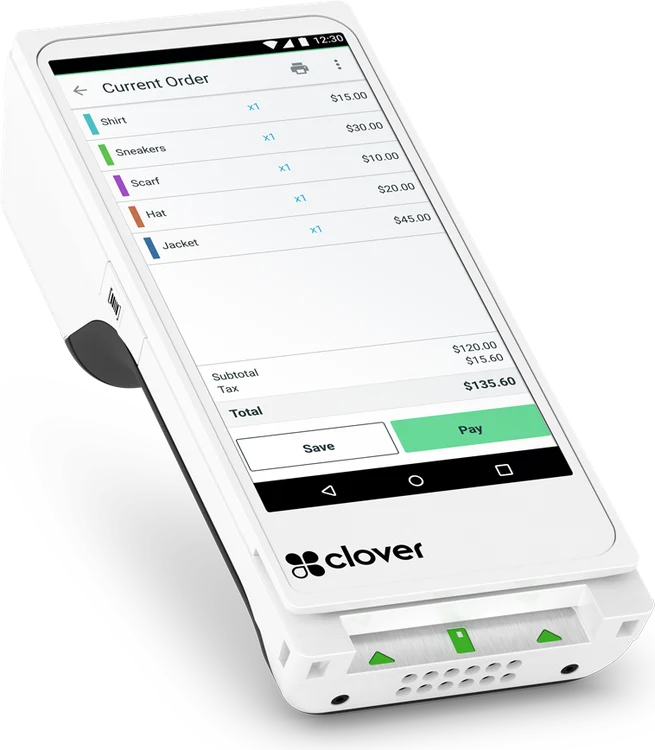
Clover Flex or Clover Go lets clients pay where they are, so the next appointment isn't held up at the register.
- Handheld POS or a reader that pairs with your phone
- Chip and tap anywhere in the salon
- Same account as the front desk
Payments away from the counter
Take a card over the phone with a virtual terminal, or accept payments online through a secure payment gateway.
- Virtual terminal for phone payments
- Online checkout for your website
- Foreign cards, including JCB
Many salons need only one or two devices. We recommend what fits your space and your number of chairs.
Devices that suit salons
A terminal for the front desk, or a handheld for the chair. Select a device for the details.
From first call to first sale
- 01
Tell us about your salon
How many chairs, where clients pay, and whether you take phone payments. We'll look at your current statement if you have one.
- 02
Get a setup that fits
We recommend devices and pricing and prepare your application with you. Most accounts are approved within 24 hours.
- 03
Open with support
Your terminal arrives set up and tested, and everyday questions are a phone call away, in English or Japanese.
Common questions
Start with a free statement review
Send us a recent statement and we'll show you, side by side, what your salon would pay with us.
Request a statement review